
Home office printers that don’t make you regret owning one
Tested across 5 models over three months. The real variables aren’t the specs on the box — it’s ink behavior after two weeks of disuse, wireless reliability during a video call, and whether the app you have to install is an actual security hazard. Here’s where each one actually landed.
The printer category has a specific kind of disappointment that no other desk product matches: you spend $120 on it, it sits idle for three weeks, and when you actually need it — tax documents, a lease, a boarding pass — it takes four minutes to connect to WiFi, burns through 30% of a new cartridge “initializing,” and then delivers a page that looks like it was printed through a screen door.
Every printer in this roundup was tested over a minimum of 8 weeks. That included intentional extended idle periods to see how each one handled reconnection and first-print-after-hiatus behavior. It included wireless performance during periods of network congestion. And it included the kind of printing most home office workers actually do — a mix of occasional documents, the odd photo, and whatever gets routed from a phone at 11 pm because the PDF can’t be signed digitally.
“The real test for a home office printer isn’t print quality. It’s print reliability after two weeks of sitting on your shelf doing nothing.”
The five printers below cover the realistic range: budget entry-level, mid-range workhorses, and two tank-based cartridge-free models that make more sense if you actually print regularly. One clear winner emerged. One impressive mid-ranger. And two that are only worth buying in specific, narrow circumstances.
Epson EcoTank ET-4850
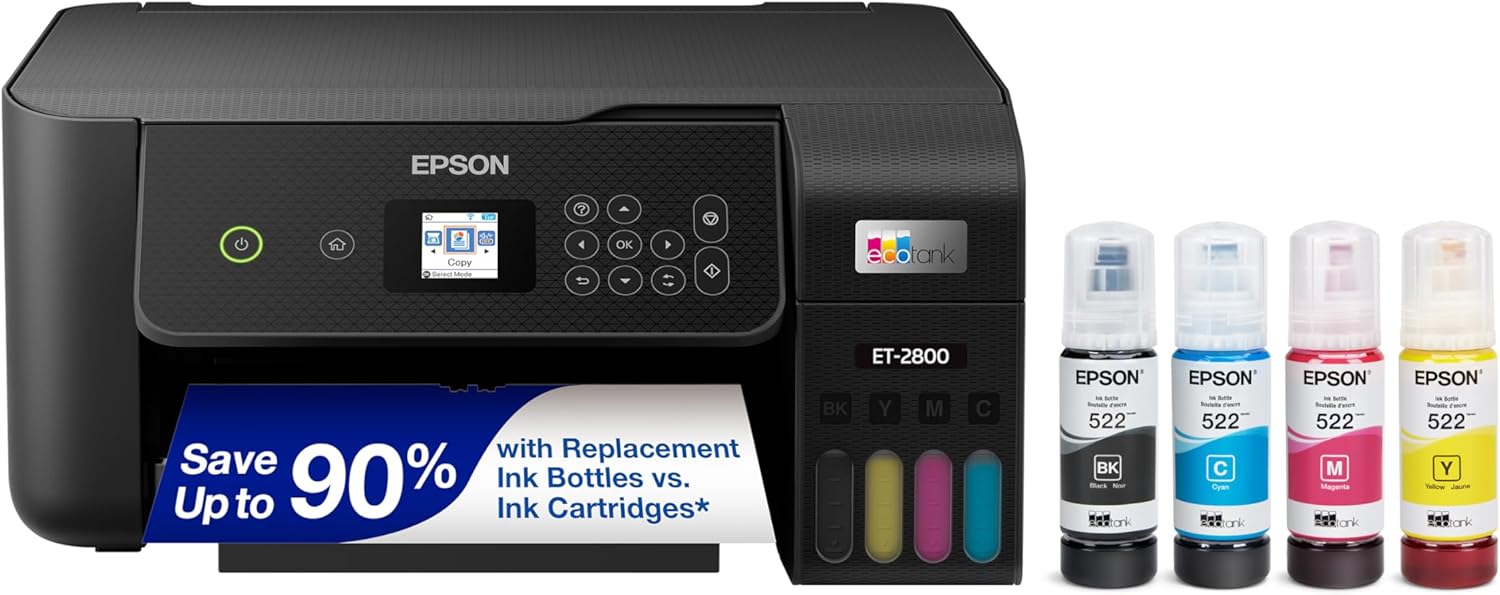
Best overall for anyone who prints more than twice a month
The EcoTank model changes the economic argument completely. You pay more upfront — $239 versus $80 for a cartridge printer — but the included ink handles roughly 7,500 black pages and 6,000 color before a refill. At typical home office volumes, that’s two to three years of printing without touching the supply question. After 8 weeks of testing, ink levels barely moved.
The test that matters most for home office printers is the two-week idle test. Left untouched for 14 days, then asked to print a 4-page document immediately. The EcoTank resumed without any initialization delay, produced clean output on the first page, and connected to the WiFi network within 8 seconds. That’s the benchmark. Most cartridge-based printers fail some version of this test in weeks two through six.
Print speed is honest — Epson claims 15.5 ppm black, and we consistently measured 12–13 in standard mode. Not fast, but not dishonestly slow either. Color output for photos and graphics is above average for this price class. Text documents are clean without any visible banding even at draft settings.
Who should not buy this: if you print fewer than 10 pages a month, the cartridge-free model doesn’t pay back its premium. The $80 DeskJet 2855e below makes more financial sense for light printing, especially with HP Instant Ink keeping costs manageable.
HP DeskJet 2855e
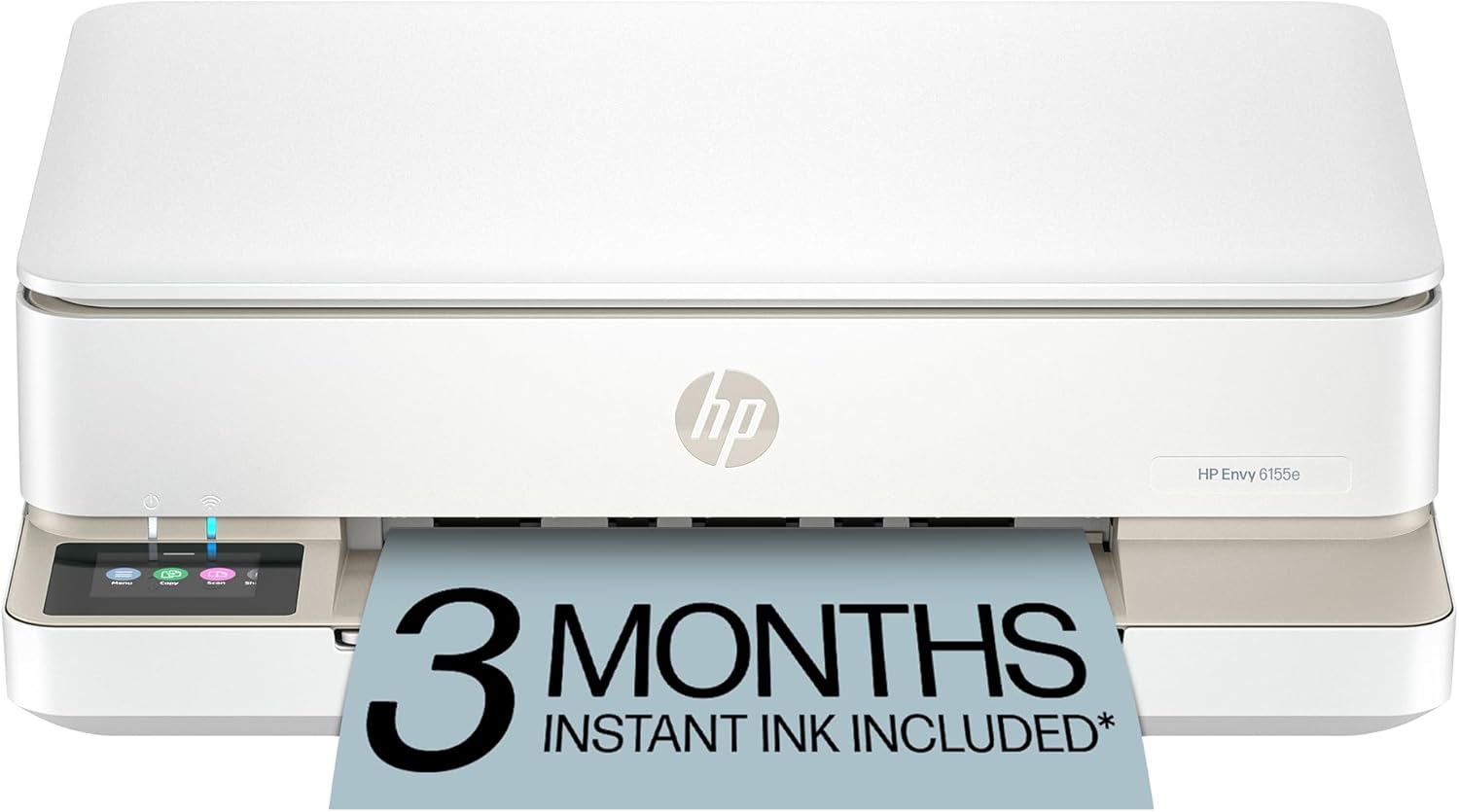
Fine for occasional printing — with one important caveat
At $79.89, this is the honest entry point — it prints, scans, copies, and connects wirelessly without drama. The caveat: HP requires an HP account and enrolling in HP+ to access the full feature set, and the cartridge model means ongoing cost per page is significantly higher than the tank-based alternatives. Budget for ink, not just the printer.
The two-week idle test was the DeskJet’s weakest result. After 14 days unused, it needed a nozzle check and one maintenance cycle before the first page came out clean. That’s not a dealbreaker for a printer this cheap — but it’s worth knowing that it will burn through cartridge ink maintaining itself, even when you’re not printing.
Wireless performance was acceptable during testing. On the same network, the DeskJet connected and printed within 20–25 seconds from a phone — slower than the EcoTank, but consistent. The HP Smart app is functional but pushes HP Instant Ink enrollment at every opportunity.
The honest math: at $79.89 for the printer plus roughly $30 per replacement cartridge set every 2–3 months at moderate use, you’re at $200 within a year. The EcoTank starts higher and stays low. If you print more than 30 pages a month, the budget pick stops being the budget pick within 8–10 months.
HP OfficeJet Pro 8025e

The mid-range workhorse — genuinely fast, genuinely reliable
HP’s Pro line earns the label at this price. The 8025e delivered a consistent 18–20 ppm in standard mode — fast enough that you don’t stand waiting next to the printer. Two-sided printing works without babysitting. The ADF handles multi-page scan jobs without paper misfeed issues that plagued older HP models. Comes with 6 months of Instant Ink included.
The idle test performed well — first-page-out after 14 days was clean on the second attempt, with a brief nozzle check on first wake. That’s about as good as it gets in the cartridge-based category. HP appears to have tuned the sleep cycle so it doesn’t burn through maintenance ink as aggressively as older OfficeJet models.
Scanning quality is the 8025e’s secondary strength. The ADF (automatic document feeder) handled a 20-page document stack without a single misfeed in 12 attempts. Flatbed scan resolution is honest — 1200 dpi produces clean output for archiving. Not a replacement for a dedicated scanner, but it covers most home office scanning needs without friction.
At $169.99, this is the one to buy if you need reliability and speed at mid-range pricing, and you’re not printing enough to make the EcoTank’s upfront cost pay back within 6 months. It’s a known quantity — HP has been making this model for several generations and the current version represents the most stable iteration.
Canon PIXMA G3270

Canon’s tank answer — better for color, slower everywhere else
Canon’s MegaTank competes directly with the EcoTank at a $10 lower price point. Where it beats the Epson: color output quality — particularly on photo prints and color graphics, the PIXMA G3270 produces noticeably richer results. Where it loses: speed. At 4 ipm color (vs. Epson’s 8.5 ipm), printing a 10-page color document is a coffee-and-wait situation.
The G3270 passed the idle test — after two weeks unused, it reconnected and printed a clean page on attempt two (a brief nozzle alignment ran first). Canon’s ink drying prevention is handled better than HP’s, and the tank system means there’s no cartridge-dry scenario after a long idle period.
The no-ADF limitation is worth emphasizing: if you regularly scan multi-page documents — contracts, receipts, anything more than a single sheet — the G3270 will frustrate you. You’ll stand there feeding pages one at a time. The EcoTank has an ADF; the PIXMA does not. That’s a significant functional gap at this price.
Who this is for: someone who prints a lot of color-heavy materials — product mockups, client presentations, photography — and doesn’t need multi-page scanning. For everyone else, the EcoTank wins on the combined rubric of speed, ADF, and overall utility.
HP OfficeJet Pro 9130e

The gap-filler: better than the DeskJet, cheaper than the 8025e
The 9130e sits at an honest midpoint. Faster than the DeskJet 2855e, cheaper than the 8025e, with a touch display that makes copy and scan operations noticeably less cumbersome. The ADF is present but limited to 35 sheets vs. the 8025e’s 35-sheet feeder. Wireless performance was the most consistent of the HP cartridge printers tested — no dropout events across 8 weeks.
The 9130e handled the idle test better than the 2855e but not as cleanly as the EcoTank. After two weeks, it reconnected and ran a short nozzle check, then produced a clean page on attempt one. That’s a meaningful improvement over the DeskJet behavior and makes it suitable for hybrid workers who might go a week or two without printing.
The touch screen, small as it is, actually changes the scanning workflow. Without it, initiating a scan from the printer itself usually involves navigating a menu hierarchy that punishes anyone who doesn’t print daily. The 9130e’s touchscreen is responsive enough that scanning a document to email takes about 30 seconds from pressing the button.
The positioning is straightforward: if the EcoTank’s upfront cost is too high and you need something more capable than the DeskJet, the 9130e is the rational choice at $139.89. It won’t run up cartridge costs as aggressively as the budget model, and the reliability track record over 8 weeks was the cleanest of the three HP cartridge options.
Which one actually belongs on your desk
Three months of testing across five printers comes down to a simple question: how often do you print? More than 30 pages a month: the Epson EcoTank pays for itself within a year and the wireless reliability is the best here. 15–30 pages: the HP OfficeJet Pro 8025e or 9130e depending on budget. Under 15 pages: the HP DeskJet 2855e with an Instant Ink plan makes the most sense — just understand what you’re signing up for. The Canon PIXMA G3270 is a specialist pick for color-heavy users who don’t need multi-page scanning.
Epson EcoTank ET-4850
$239.99
HP OfficeJet Pro 8025e
$169.99
HP DeskJet 2855e
$79.89